For developers & agent builders

Bring your own OpenClaw agents
into Word.

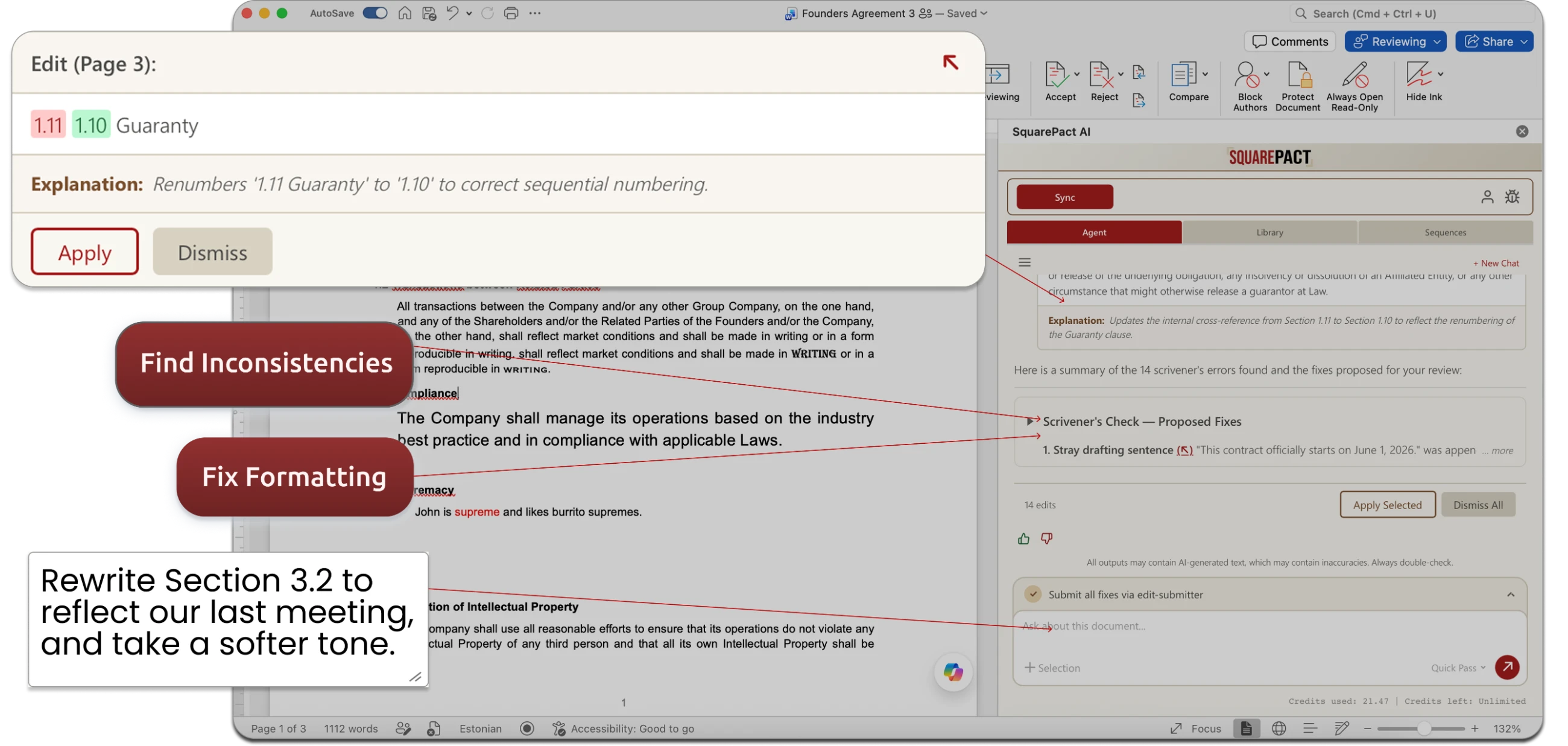
You already built agents that draft and review the way you want. Getting their work into Word is where it falls apart — you copy-paste in, the formatting blows up, you spend 20 minutes fixing it, then paste it back and start over. SquarePact talks to your OpenClaw agents from inside Word, so they get direct access to formatting and edits.

SquarePact running an OpenClaw agent inside Microsoft Word
No card required · Installs from Microsoft AppSource · Zero data retention

Trusted members of Google for Startups NVIDIA Inception NSF SBIR Tampa Bay Wave Embarc Collective

We don't want your data. We only use Zero Data Retention AI.  Read our Privacy Guarantee →

Use your agent, or ours

Designed to work with the AI you already use, not to replace it.

Most Word AI tools hand you a closed assistant — their prompt, their logic, their idea of a good redline. SquarePact is the opposite. Bring the agent you already built, or use ours. Here's what people ask us.

What SquarePact does

Not just for formatting, either.

Native to Microsoft 365

Already part of your Microsoft 365 stack.

Not another platform — a panel inside the Word you already have. You don't open SquarePact; you open Word, same as every day, and it's sitting in the ribbon. It installs from Microsoft AppSource like any other Office add-in, then admins push it to users, groups, or the whole organization through the Microsoft 365 admin center.

Lives in the Word ribbon One-click AppSource install Runs in your Azure environment

Government and enterprise teams prefer SquarePact because it can be set up entirely within their existing Azure environment.

Installed from AppSource. Runs in Word. Zero data retention.
In their words

Trusted where mistakes are expensive.

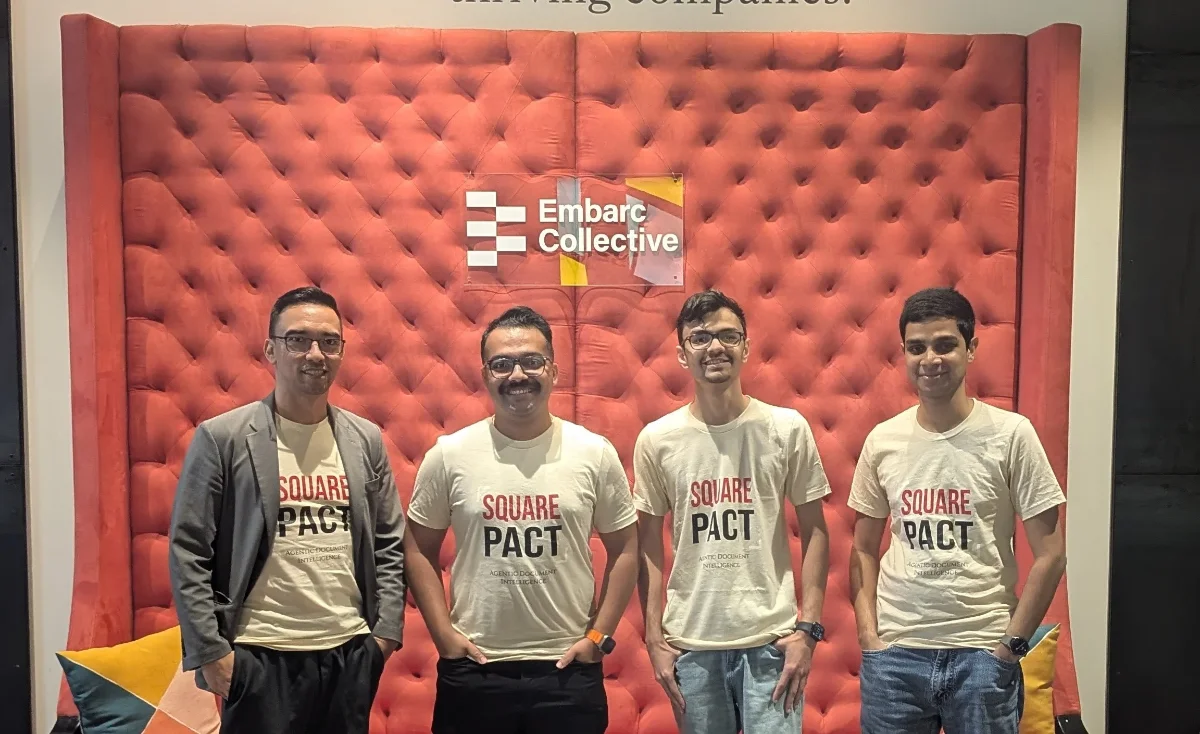
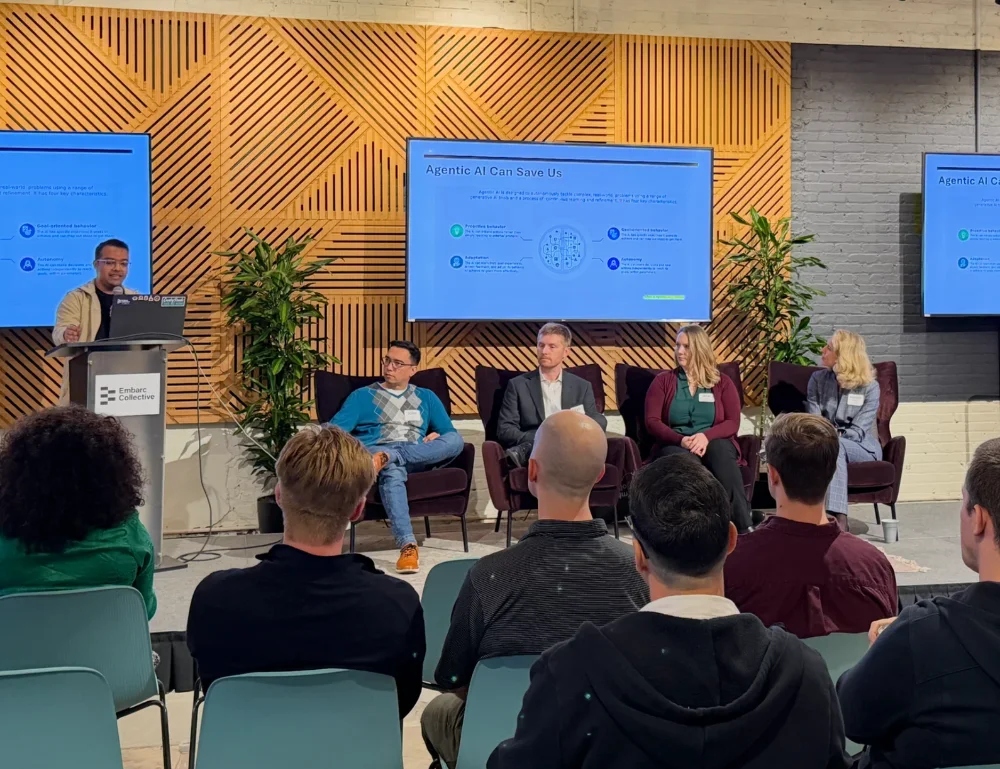
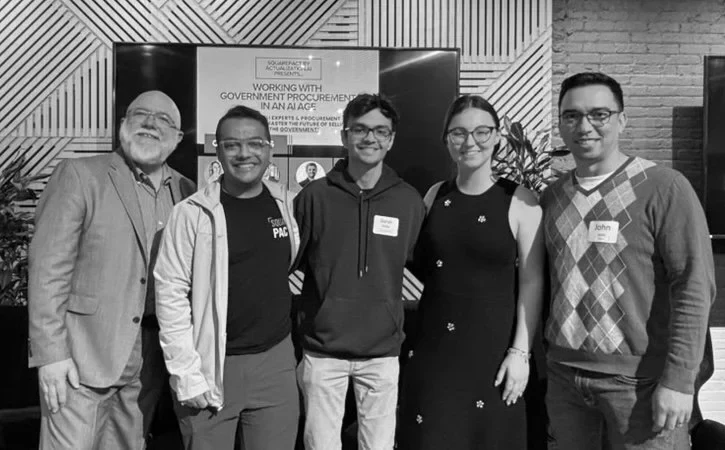
The SquarePact team at Embarc Collective SquarePact presenting on agentic AI SquarePact team with event panelists
Who we are

AI that helps people find and fix errors.

Actualization AI, Inc. is a Tampa, FL company spun out of Professor John Licato's Advancing Machine and Human Reasoning Lab at the University of South Florida. Dr. Licato's AI research has been driven for 20 years by three simple ideas:

AI should help people find and fix errors. It should not introduce more errors. It should not try to replace people.

The problem was never that the best AI isn't capable — it's that none of these tools were designed around how Word documents actually work. We fight the quirks of editors like Word, so you spend less time wrestling with table margins and more time on document strategy.

Learn more about us →
Transparent pricing

Free to download and use.

Use your existing agent at no additional cost. Only pay us if you use our agent.

See pricing

Still evaluating? Get useful updates in the meantime.

No spam. We won't share or sell anything you send us.